








Linking Google Cloud Storage as a source
You can sync and query files and folders from Google Cloud Storage (GCS) in PostHog by setting up a link.
Step 1: Creating a bucket in GCS
- Go to your Google Cloud console.
- Create a bucket in GCS.
- For location, we recommend choosing
us-east1for US Cloud oreurope-west3for EU Cloud to keep them close to our servers. - For storage class, choose
Standard. - For access control, choose
Uniform.
- For location, we recommend choosing
- Upload your data to the bucket. This can be as simple as a
.csvfile like this:
csv
Step 2: Set up a service account
GCS uses service accounts to control access to resources. We need one to connect to GCS. To create one:
- Go to the service accounts page in the GCS console and click Create service account.
- Fill in the account name and ID and click Create and continue.
- Grant the account the Storage Object User role.
- Click Done.
Step 3: Set up access keys.
- Go to the cloud storage settings page and click the Interoperability tab.
- Click Create a key for another service account.
- Select the service account you created in step 2 and click create key.
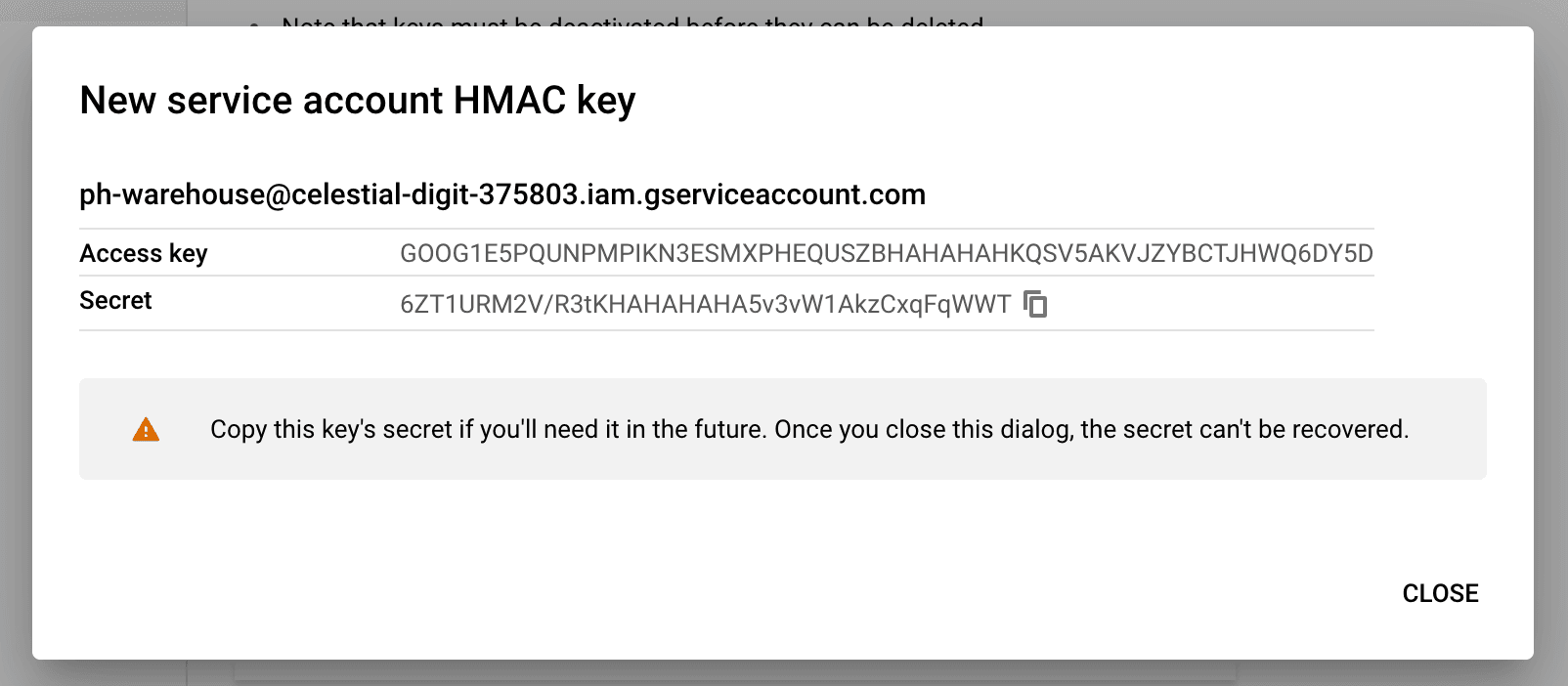
- Copy both the access key and secret. Save them some place safe because you'll need to regenerate them if you lose them.
Step 4: Create the table in PostHog
- Go to the Data pipeline page and the sources tab in PostHog
- Click New source. Under self managed, look for Google Cloud Storage and click Link
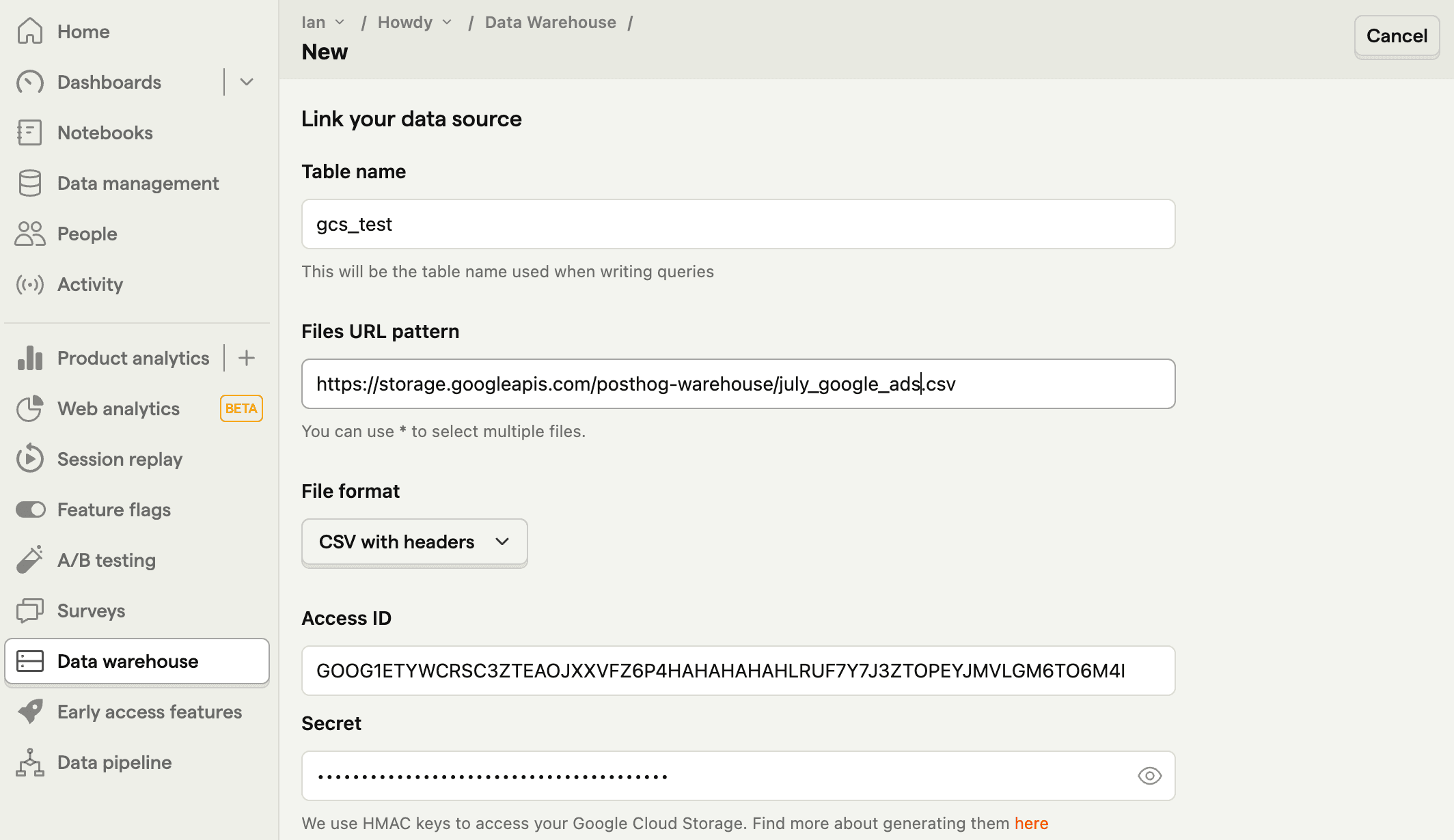
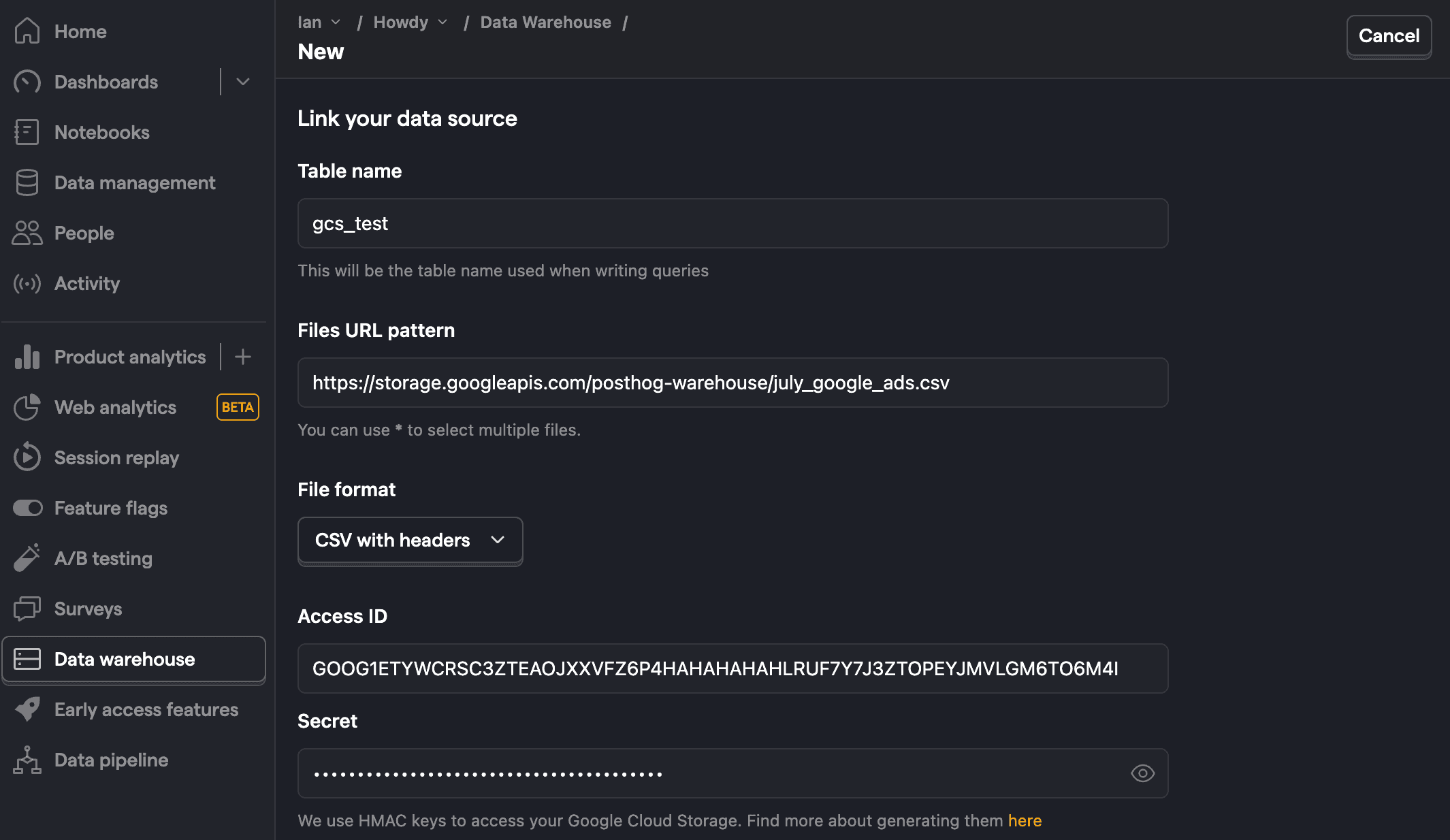
- Fill the table name, then use the data from GCS:
- For files URL pattern, use
https://storage.googleapis.com/followed by your bucket and file or folder name likehttps://storage.googleapis.com/posthog-warehouse/july12_google_ads_fixed.csv. You can also use*to query multiple files. - Choose the correct file format
- For access key, use your Access Key ID
- For secret key, use your Secret Access Key
- For files URL pattern, use
- Click Next
Step 5: Query the table
Once it is done syncing, you can now query your new table using the table name.
PostHog is an all-in-one developer platform for building successful products. We provide product analytics, web analytics, session replay, error tracking, feature flags, experiments, surveys, LLM analytics, data warehouse, CDP, and an AI product assistant to help debug your code, ship features faster, and keep all your usage and customer data in one stack.